Condition : New
Free Shipping

Notify me when the price drops
We will email you if we find a lower price on this product!
- 1D/2D Barcode Supported: Easy to read mainstream 2D barcodes and all 1D barcodes including those with unintended abrasions or surface stains.
- Screen Scanning: Equipped with CMOS sensors, BCST-54 can read barcodes off sceens.
- Smart Base: This can be connected with a computer via the USB cable provided to recharge the scanner or transmit barcode data to the computer.
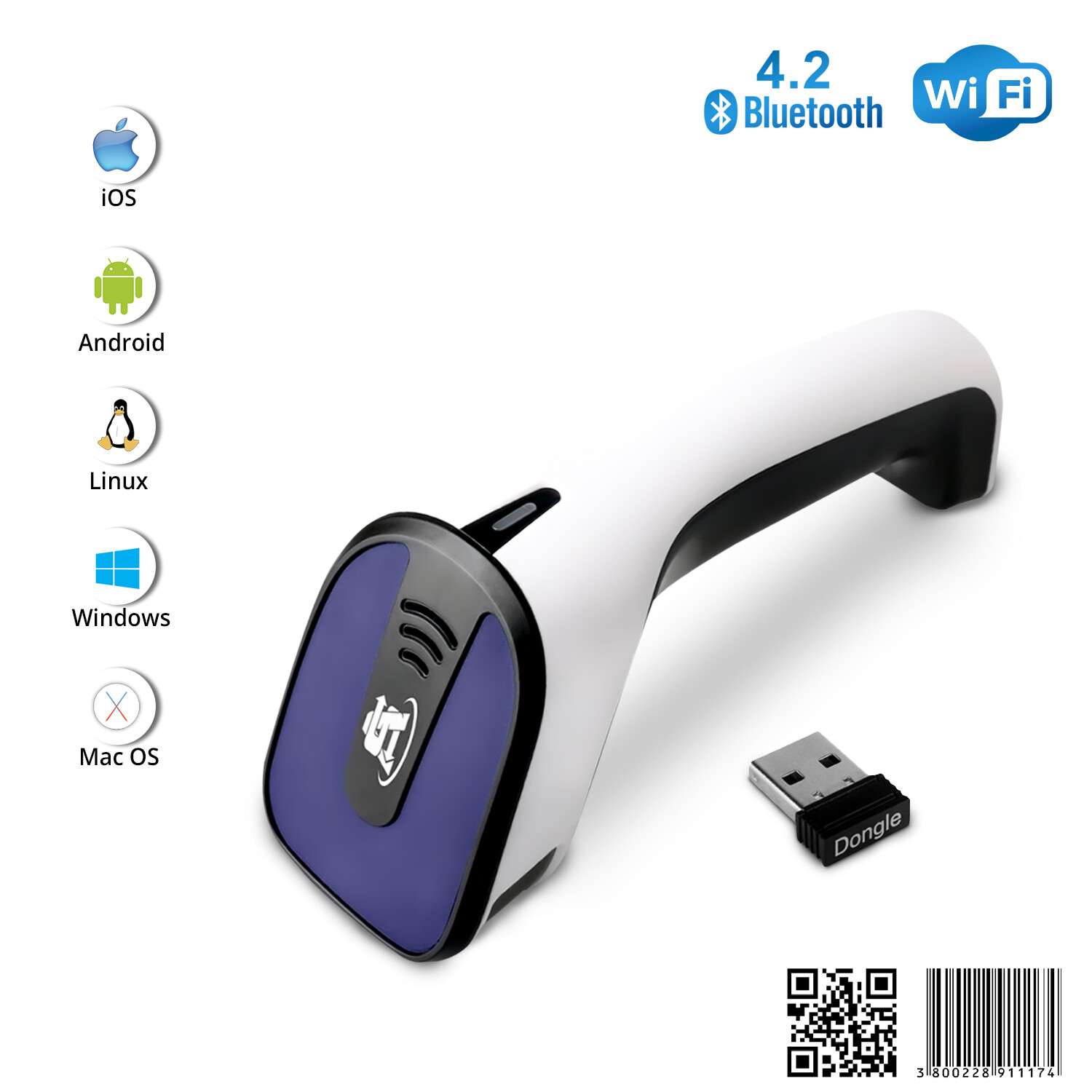
- 3 Connection Methods: Connected with a computer via the included USB cable for plug and play(no configuration required); connected via the smart base for wireless mode(paired by default); connected via Bluetooth to work with mobile phones, tablets, etc(manual configuration required).
- More Functions: Vibrate mode, inventory mode(capable of saving over 270,000 barcodes in buffer) and more to meet your various needs.
Power Source Wired Brand Inateck Connectivity Technology Bluetooth, USB Number of Batteries 1 Lithium Ion Battery Required(Included) Item Dimensions 9.1*6.8*16.4cm
Product Description
Compatible OS
Mobile end: iOS and Android
PC end: Windows 11/10/8.1/8/7/Vista/XP/CE, Mac OS X, Linux, Unix, RASPBERRY PI and Chrome OS
Supported Barcodes
1D:
Code 128, EAN-13, EAN-8, UPC-A, UPC-E, Code 39, Code 93, Codabar, Interleaved 2 of 5, Standard 2 of 5, Industrial 2 of 5, Matrix 2 of 5, IATA 2 of 5, MSI, Code 11, ISBN, ISSN, etc.
2D:
QRCode, PDF-417, Aztec Code, Maxi Code, Data Matrix, etc.
GS1-Barcodes:
GS1 128, GS1 DataBar, GS1 DataBar Expanded, GS1 DataBar Limited, GS1-DataBar Stacked, GS1-DataBar Stacked Omni, GS1-DataBar Expanded Stacked, GS1-DataBar Stacked Composite, GS1-DataBar Stacked Omni Composite, GS1-128 Composite Symbology, GS1-DataBar Composite, GS1-DataBar Limited Composite, GS1-DataBar Expanded Composite.
Note: For better decoding speed, some non frequently used barcodes are disabled by default. Therefore, please follow steps in the manual to enable the barcode you need to scan when necessary.
Default Disabled Barcodes:
Code 11, Code 32, ISBN, ISSN, MSI, IATA 2 of 5, Matrix 2 of 5, Standard 2 of 5, Industrial 2 of 5, Aztec Code, Maxi Code
Superb Decoding Capability
BCST54 can read mainstream 2D barcodes and all 1D barcodes easily, including those with unintended abrasions or surface stains. Integrated with the decoding algorithm self-developed by Inateck, it decodes barcodes faster than the products of previous generation. The built-in CMOS sensors enable the scanner to read barcodes off sceens, allowing more convenient usage.
Smart Base
BCST-54 comes with a smart base which can be used as
- a charging base to recharge your scanner anytime, no low-battery anxiety;
- a wireless adapter to transmit scanned data with 2.4G wireless technology;
- a scanner stand to hold your scanner in hands-free mode.
Inventory Mode
BCST54 supports inventory mode where you can temporarily save over 270,000 barcodes in buffer and easily count the number of the barcode you scan, which effectively improves the work productivity of staff working in warehouses and factory assembly lines. In addition, there are multiple scanning modes such as manual scanning mode, hands-free mode and continuous scanning mode.
Custom Configuration
Custom configuration is available for BCST-54. Please configure your scanner according to the instruction manual for desired functions including but not limited to the following ones.
- Customize 1-32 digit prefixes/suffixes.
- Add Enter or Tab as the suffix.
- Delete 0~99 beginning/ending digits.
- Output barcode as uppercase/lowercase
- Switch to other language keyboard such as Japanese, English(US), German, French(France), French(Canada), Spanish, Italian and English(UK).
Expert Support
Thanks to our own R&D team and manufacturing facility, we are capable of offering you expert support. If any special configuration is needed, please give us a detailed description of your requirements so that we can provide you with a custom upgrade firmware.
Packing List
BCST-54*1
USB Cable*1
Smart Base*1
Instruction Manual*1







 .
